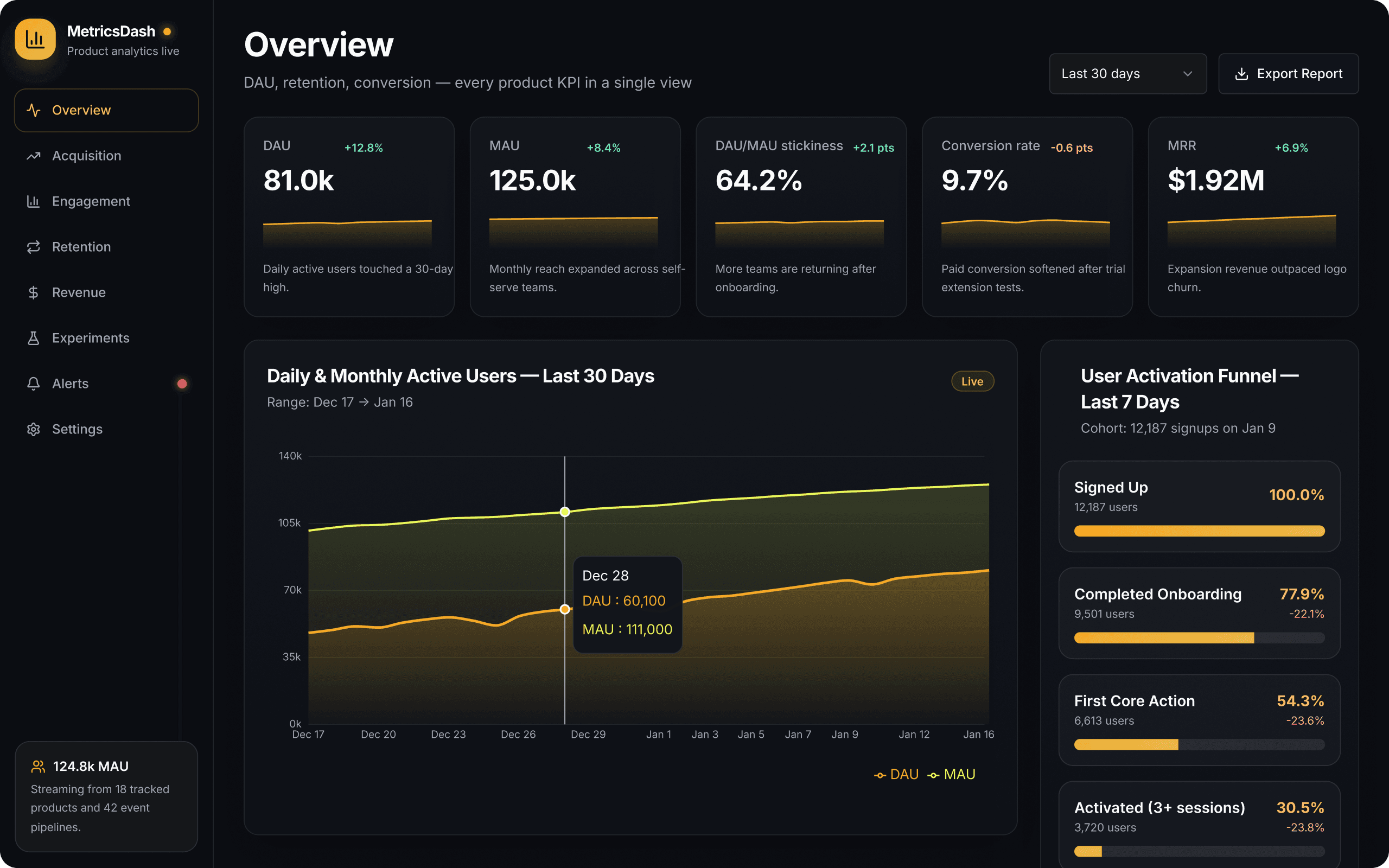
Product analytics dashboard
A product analytics console, built around a single overview that tracks DAU, MAU, stickiness, conversion, and MRR across every product you measure. Break the numbers down by acquisition, engagement, retention, and revenue, follow a signup cohort through the activation funnel, and check the results of live experiments. Built on React, ready to run securely on your data.
Popular integrations


Libraries
React, React Router, Radix UI, Lucide Icons, Recharts, Tailwind, Sonner
Retool CLI
Start from this app in your terminal
Build Retool apps on your own machine, in your editor or with your own coding agent. The CLI handles scaffolding, validation, preview builds, and publishing.
Read the CLI docs1. Install the Retool CLI
pnpm i -g @tryretool/cliUse a different package manager? Retool requires pnpm. Run
npm i -g pnpmfirst.2. Sign in to your Retool org
retool auth login --host .retool.comYour org name is the start of its web address: acme in acme.retool.com.
3. Create your own copy of this app
retool init metrics-dash --gallery metrics-dash